2026-10-26
Small Business MFA Checklist: Protect Key Accounts
By Toukir Bin Islam
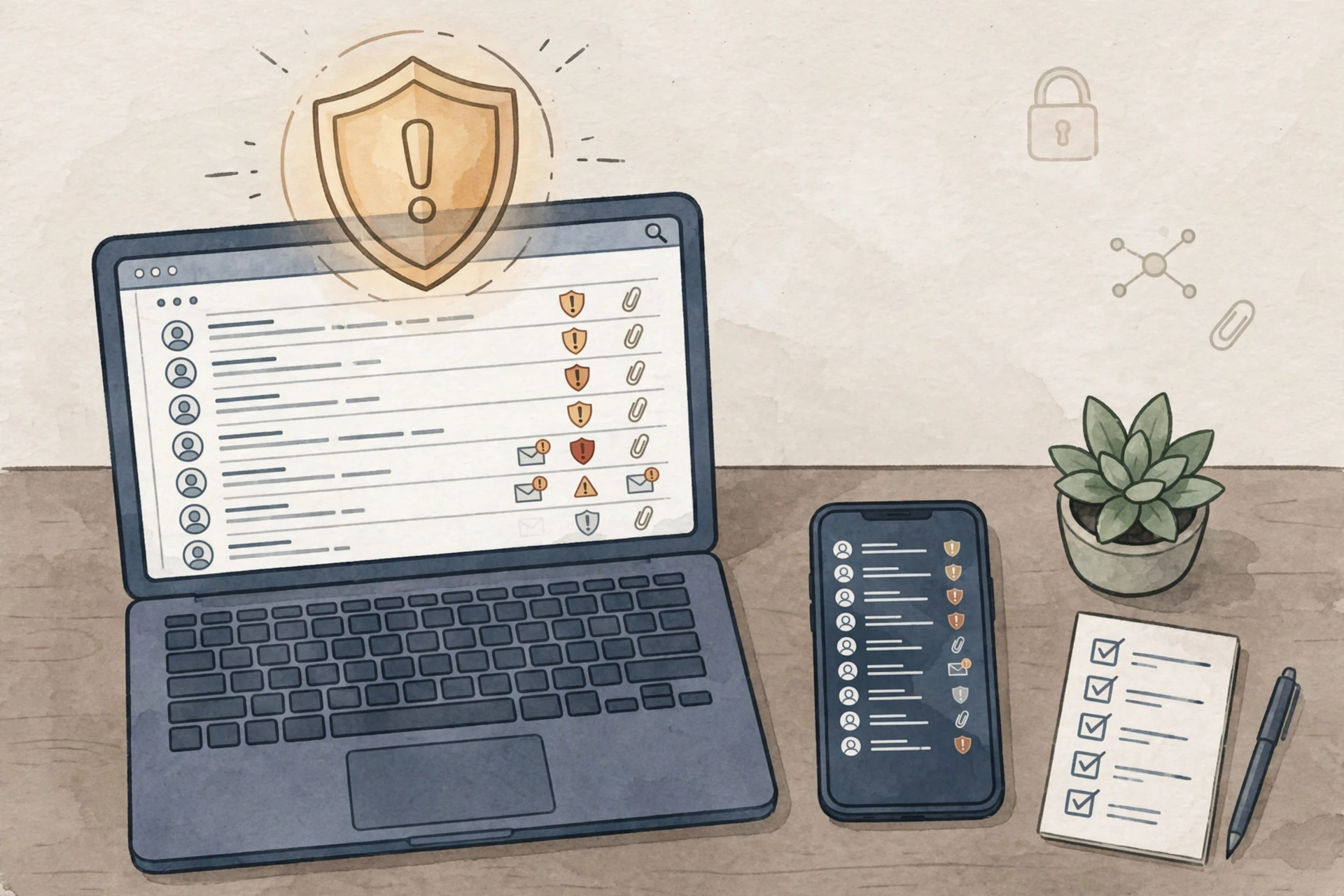
A business can lock its doors and still leave important online accounts protected by a password alone. Email, payroll, cloud storage, and website administration deserve a deliberate access plan too.
Multifactor authentication, or MFA, adds another identity check during sign-in. CISA recommends requiring MFA for remote access and privileged access. Use this checklist to turn that guidance into an organized business task.
1. List the accounts that matter
Start with company email, administrator accounts, payment services, payroll, and systems that hold customer information. Record who owns each account and who can change its security settings. Include accounts managed by outside providers.
For a small shop, the list might include the owner's email, the website account, and the service used for staff scheduling. Keep the inventory somewhere restricted to authorized people.
2. Choose the strongest supported option
CISA encourages moving toward phishing-resistant MFA. Where available, consider properly configured FIDO-based options such as security keys or passkeys. Check the service's documentation and your organization's requirements before enrollment.
If those options are unavailable, use another supported MFA method rather than leaving the account protected only by a password. Record what is enabled so you know which accounts still need improvement.
3. Prepare recovery before changing phones
Follow the provider's instructions for backup methods and recovery codes. Store recovery information securely, with access limited to the appropriate people. Do not leave it in a shared document that every employee can open.
Decide who handles a lost device or an employee departure. Test the approved recovery process without disabling protections or sharing someone's personal credentials.
4. Teach staff to question unexpected prompts
Employees should not approve a sign-in request they did not initiate. Give them a clear person or channel to notify when an unexpected request appears. Repeated prompts deserve investigation, not automatic approval to make them stop.
5. Review coverage regularly
Check new accounts, changed roles, and administrator access during routine access reviews. Confirm that MFA remains enabled and recovery contacts are current. Treat enrollment as an ongoing responsibility rather than a one-time announcement.
Takeaway: Protect important accounts first, prepare recovery, and make suspicious sign-ins easy to report. Pair these checks with your physical closing checklist.