2026-10-24
Phishing Checklist: Spot the Scam in 60 Seconds
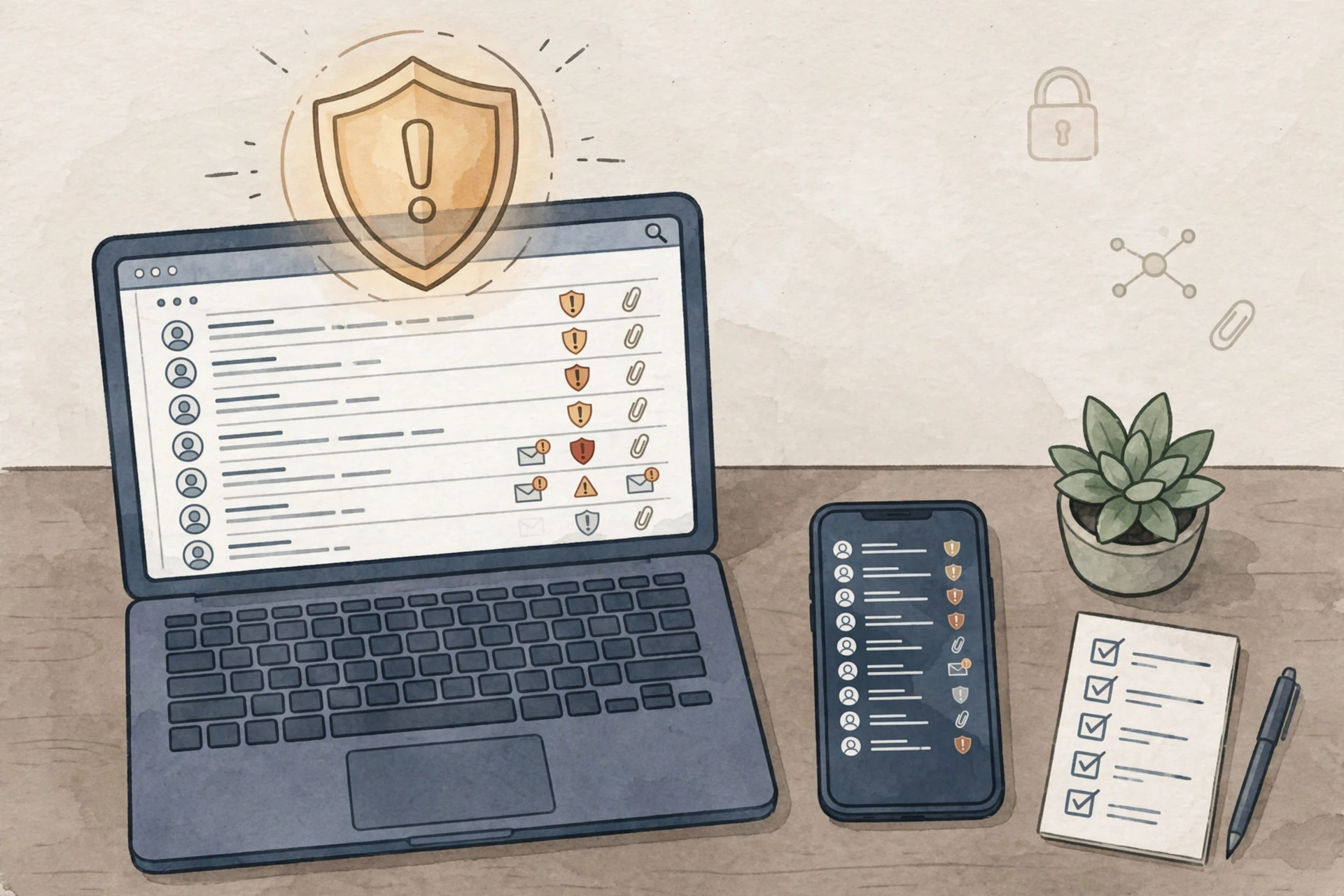
Most scams do not break into your accounts. They talk their way in. A phishing message pretends to be your bank, your boss, or a delivery company, then rushes you into clicking a link or handing over a password. You need a calm sixty-second routine.
As a licensed security officer in Florida, I use the same habit at work and at home: recognize, resist, report. The U.S. Cybersecurity and Infrastructure Security Agency (CISA) teaches this same three-step approach for phishing messages.
1. Recognize: run the 60-second check
Before you click anything, check these five things:
- The sender. Does the name match the address? A message claiming to be from your bank but sent from a random personal address is a red flag.
- The urgency. Threats like “your account closes today” or “act now or lose access” are designed to stop you thinking.
- The request. Real banks and employers do not ask for your password, PIN, or full account number by email or text.
- The link. Hover over it (or press and hold on a phone) to preview the destination. If the address does not match the company it claims to be, do not tap it.
- The attachment. An unexpected invoice, delivery notice, or document you did not ask for should stay unopened.
Good grammar no longer proves a message is real. Scammers now write clean, convincing messages, so judge the message by its sender, link, and request — not by how professional it looks.
2. Resist: do not click, reply, or call back
If anything on the checklist fails, stop. Do not click the link, open the attachment, reply, or call a phone number printed in the message. Instead, open the company's official app or website yourself and check whether the message is real.
If you already clicked or entered a password, act fast: change that password from a device you trust, change it everywhere else you reused it, and watch your accounts for unusual activity. CISA advises contacting your financial institution right away if your financial accounts may be compromised.
3. Report: help stop the next one
Reporting takes a minute and protects other people. Use the report button in your email app, tell your workplace IT or security team if it arrived at work, and report fraud to the Federal Trade Commission. You can also report phishing to CISA and file a complaint with the FBI's Internet Crime Complaint Center (IC3).
The takeaway
Slow down, check the sender, the link, and the urgency, then report it. Sixty seconds of patience is the cheapest security tool you own. For a similar routine for your house, see my Home Security Checklist: 12 Habits That Stop Most Burglars.
Sources: CISA, Avoiding Social Engineering and Phishing Attacks; Indian Health Service, How to Avoid a Phishing Attack (reporting channels: CISA, FTC, and IC3).
Want more practical safety tips? Follow Toukir Islam at toukirislam.com, subscribe for new checklists, or reach out through the contact section on the homepage.