2026-10-26
That Virus Warning May Be the Scam—Don't Call Yet
By Toukir Bin Islam · Technology Safety Guide
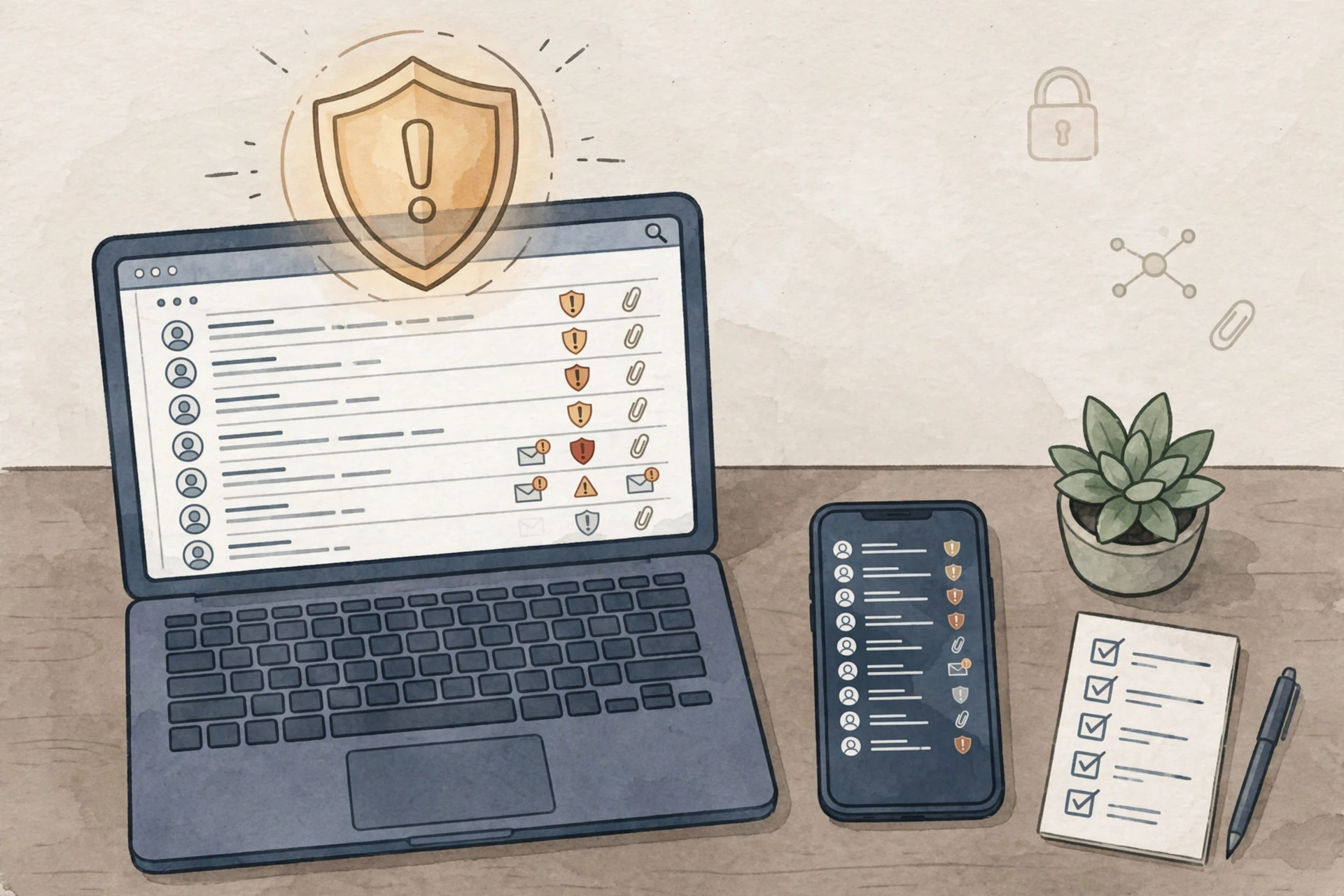
A browser page flashes a warning, plays an alarm, and tells you to call support immediately. The message may use a familiar technology company's name. That does not establish that your device has been diagnosed by that company.
The Federal Trade Commission describes fake warnings and unsolicited support contacts as common tech-support scam tactics. The safest first decision is to avoid following the instructions inside the alarming message.
Separate the warning from the support channel Do not call the number displayed in an unexpected pop-up. If you need assistance, find the device or software provider's support information independently, using its genuine website or an established support contact.
For a work device, contact your organization's IT team through the normal channel. Tell them what appeared and whether you clicked anything. Do not attempt repairs that conflict with workplace procedures.
Do not grant surprise remote access A stranger who contacts you unexpectedly should not receive control of your computer. Remote-support software has legitimate uses, but the identity and purpose of the person requesting access must be verified first.
Likewise, do not provide passwords, sign-in codes, or payment information because the caller claims the screen proves there is an emergency.
Treat refund stories carefully Some support scams begin with a supposed subscription charge or refund. Check your account through the genuine provider rather than using the message's contact details. An instruction to move money to protect it deserves independent verification.
You are allowed to end the conversation. Pressure to stay connected can keep you from asking someone else for help.
If you already allowed access Stop interacting with the caller and seek help from verified IT support. Explain that remote access was granted so they can assess the device and accounts. If payment information was shared, contact the relevant financial provider promptly.
Preserve the message or other available evidence when safe to do so. Report the suspected scam through ReportFraud.ftc.gov.
Prepare a trusted contact list Save the support contacts you actually use before a problem occurs. A short list can make it easier to choose a verified route when an alarming screen appears.
Takeaway: A warning that demands an immediate phone call is not proof of a legitimate diagnosis. Find support independently before handing over access or money.
Source: FTC: Tech-support scams.
Related reading: Continue with this practical security guide.